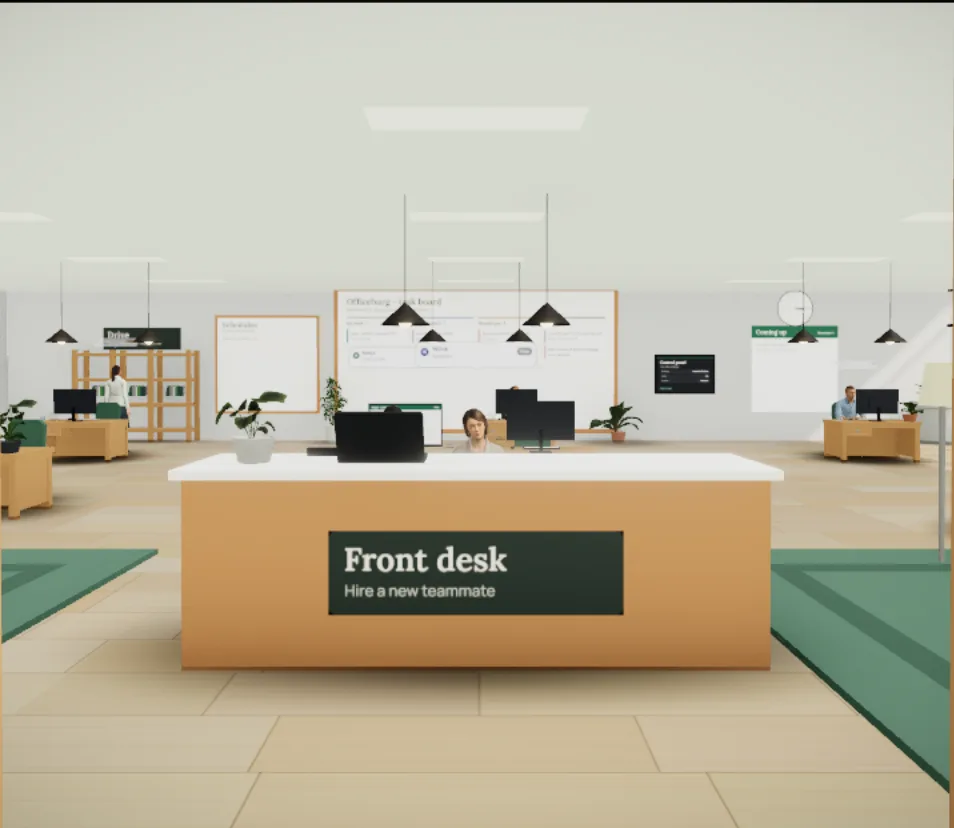

Search and read the web
They look things up, open the sources and cite the links. Private and internal addresses are blocked.
Officeburg
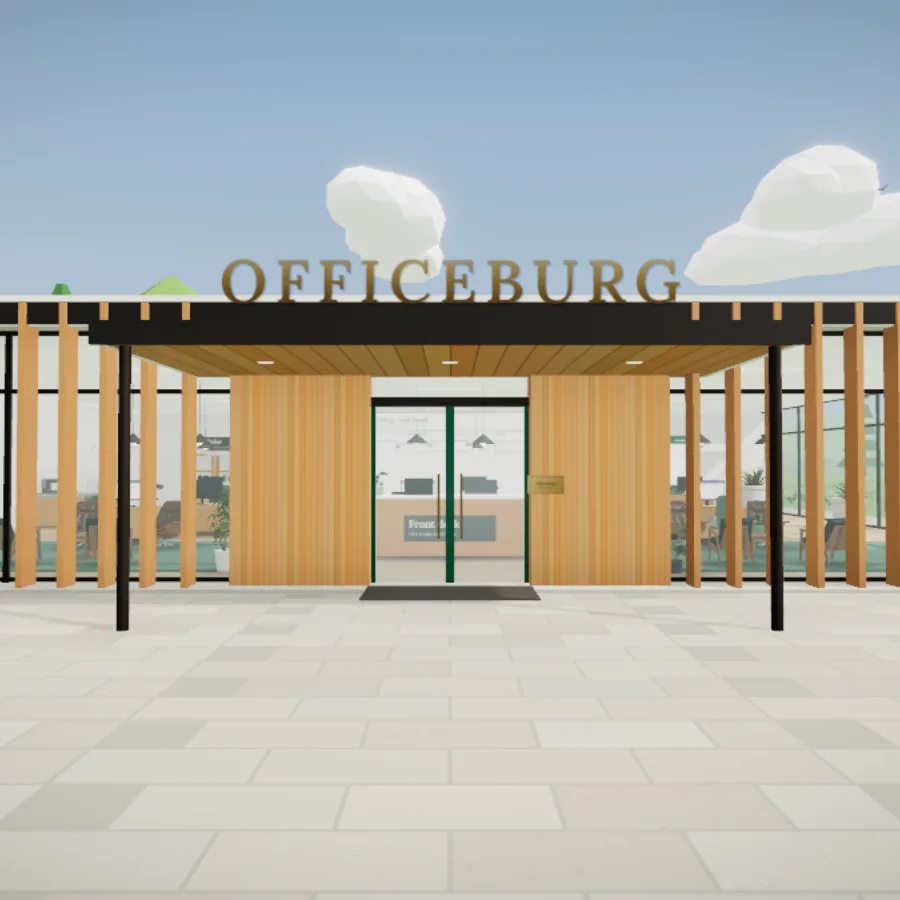
Hire a team for your company or project, give them tasks and watch them at their desks. In a headset, on a laptop or on a phone.
Open your officeEach agent has a role, skills and tools. Their screens show what they're doing right now. Each one keeps a notebook too, and you can read and edit what's in it.
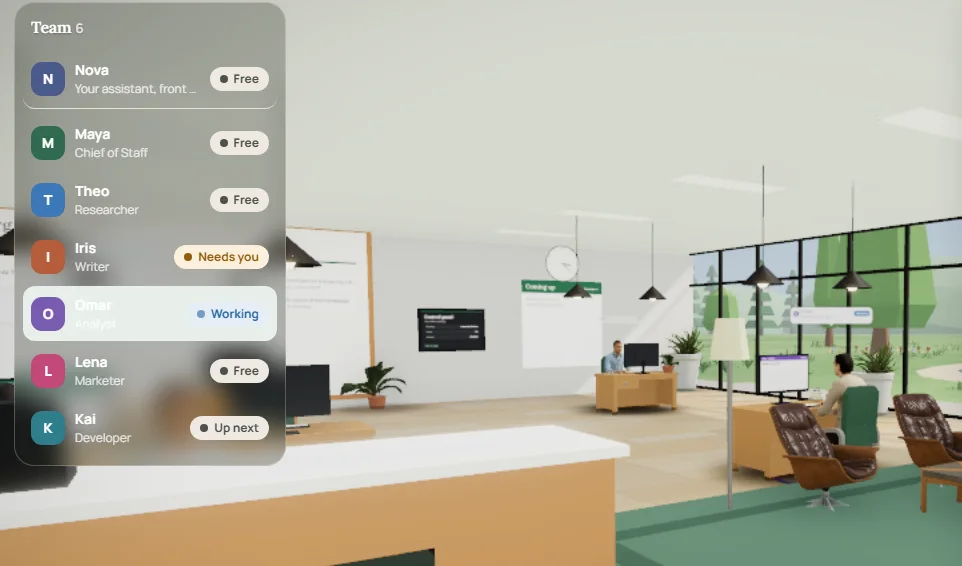
ResearcherSearching the web
WriterWriting a draft
AnalystDoing exact arithmetic
MarketerReading a competitor's page
Your next hireIdle, at the coffee spot
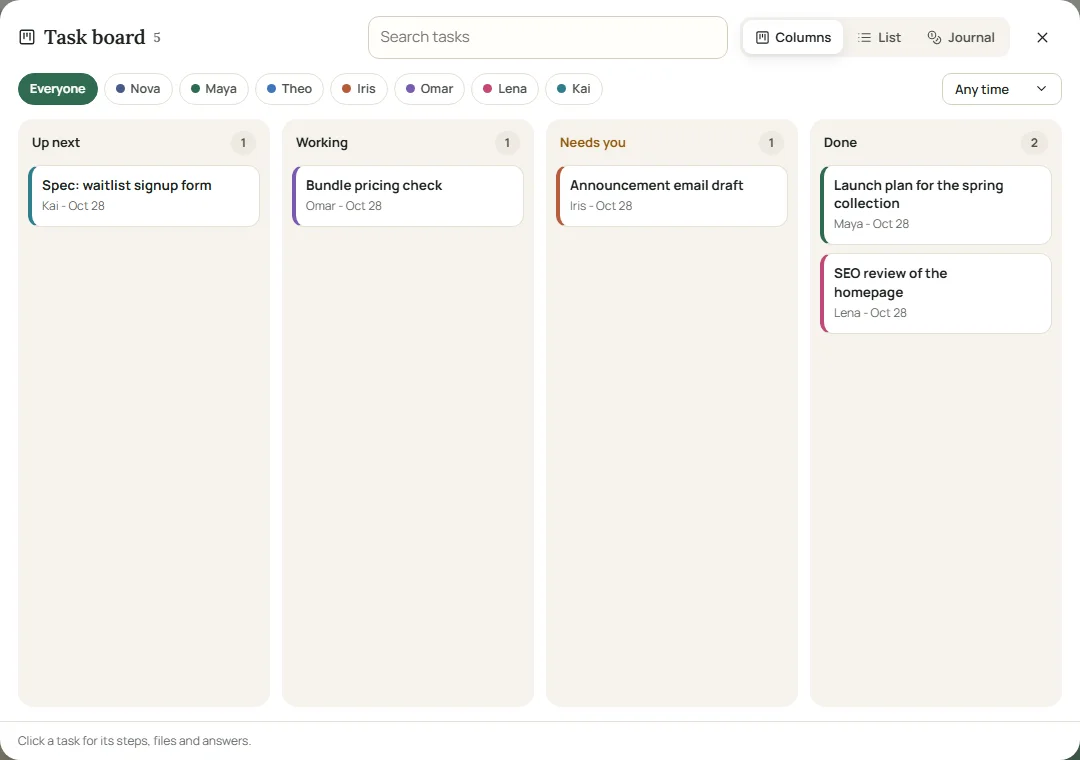
Give a task and it goes up next.
Nova knows what everyone's doing, so she hands it to the right person.
They pass pieces to each other, and every step shows up where you can read it.
Brief missing something? The agent gets up from the desk and asks you.
Done. It's on the board, and the document's in your drive.
They've got real tools. Everything they do shows up as a step you can read.
They look things up, open the sources and cite the links. Private and internal addresses are blocked.
Give a goal to your assistant or Chief of Staff. They split it up, pass pieces on and put the results together.
When a brief is missing something important, the agent gets up from the desk and asks you.
Press the microphone and speak. They answer in their own voice, start tasks and pass on your answers.
Reports, drafts and plans are saved as documents you can read, edit, download or hand back to the team.
Put down how you like a blog post or a support reply done, then give that skill to anyone on the team.
A morning news brief, a weekly competitor check, a Friday report. They run on schedule and wait on the board.
Agents remember your preferences and decisions between tasks. You can read and edit what they keep.
Bring an OpenRouter, OpenAI, Anthropic, Groq or Gemini key and pick a model per agent. Keys are encrypted and agents never see them.
On a Meta Quest, walk around with the stick and point at a desk to see what that agent is doing.
No headset? Any modern browser on a laptop or phone opens the same office.

| Free$0 | Pro$19 /monthComing soon | Team$49 /monthComing soon | |
|---|---|---|---|
| Agents | 4, plus Nova | 12 | 24 |
| Task runs a day | 15 on house models | 150 | 500 |
| Voice calls a day | 5 minutes | 60 minutes | 120 minutes |
| Routines | 2 | 20 | 60 |
| Also | Fair-use runs on your own key. Drive, notebooks, VR. | Longer tasks (24 steps) | 32-step tasks, priority queue |
No. Officeburg works in any modern browser on a laptop or phone. If you have a Meta Quest, open the same page in its browser and press VR.
They search the web, read public pages, do exact arithmetic, write and read documents on your office drive, keep notes between tasks, ask you questions when a brief is missing something, and hand pieces of work to each other. They don't send emails, post anywhere or log into your accounts.
Yes. Open officeburg.com in the Meta Quest browser and choose Install from the browser menu. It then opens from your library like any other app, with no address to type.
Free accounts run on the office's house models, with automatic fallbacks when one is busy. You can add your own key and choose a model for each agent.
Tasks, documents and notes are stored in your account and only you can read them. Your own API keys are encrypted at rest. Voice calls go to the voice provider to be answered and aren't stored. You can export everything as JSON or delete your office at any time.
Runs reset at midnight UTC. Agents set to your own key keep working in the meantime.
Nova runs the front desk. She knows what everyone's doing, so just ask her out loud and she'll hand the work to the right person.
Open your officeNo account needed. Save it later for free, or it's cleared after a week.